
I’m an avid user of GitHub’s Copilot, and since I never code in anything but JetBrains products, I’m using the GitHub Copilot plugin for WebStorm and all of my other IDEs. However, yesterday I had a weird error. As so often, it turned out, the error was: me.
I opened WebStorm, which, by the way, had been made free a couple of months ago, to continue work on a project of mine when an error message popped up in the bottom right corner, saying:
The Error
Sign in failed. Reason: Could not log in with device flow on https://gitlab.com: HTTP “404”, request id: 5, error code: 1001
This is how it looked like:

It took me a while to see what didn’t make sense: https://gitlab.com. Why GitLab? I mean, I do use GitLab for almost all of my projects (and mirror some to GitHub), but Copilot is a GitHub feature, not GitLab. So, why would it connect to GitLab?
From there on, it was pretty easy; it was just a misconfiguration I probably did why I was half asleep in the middle of the night.
The Solution
I opened the settings page (CMD+, if you’re on macOS) and searched for copilot in the search bar:
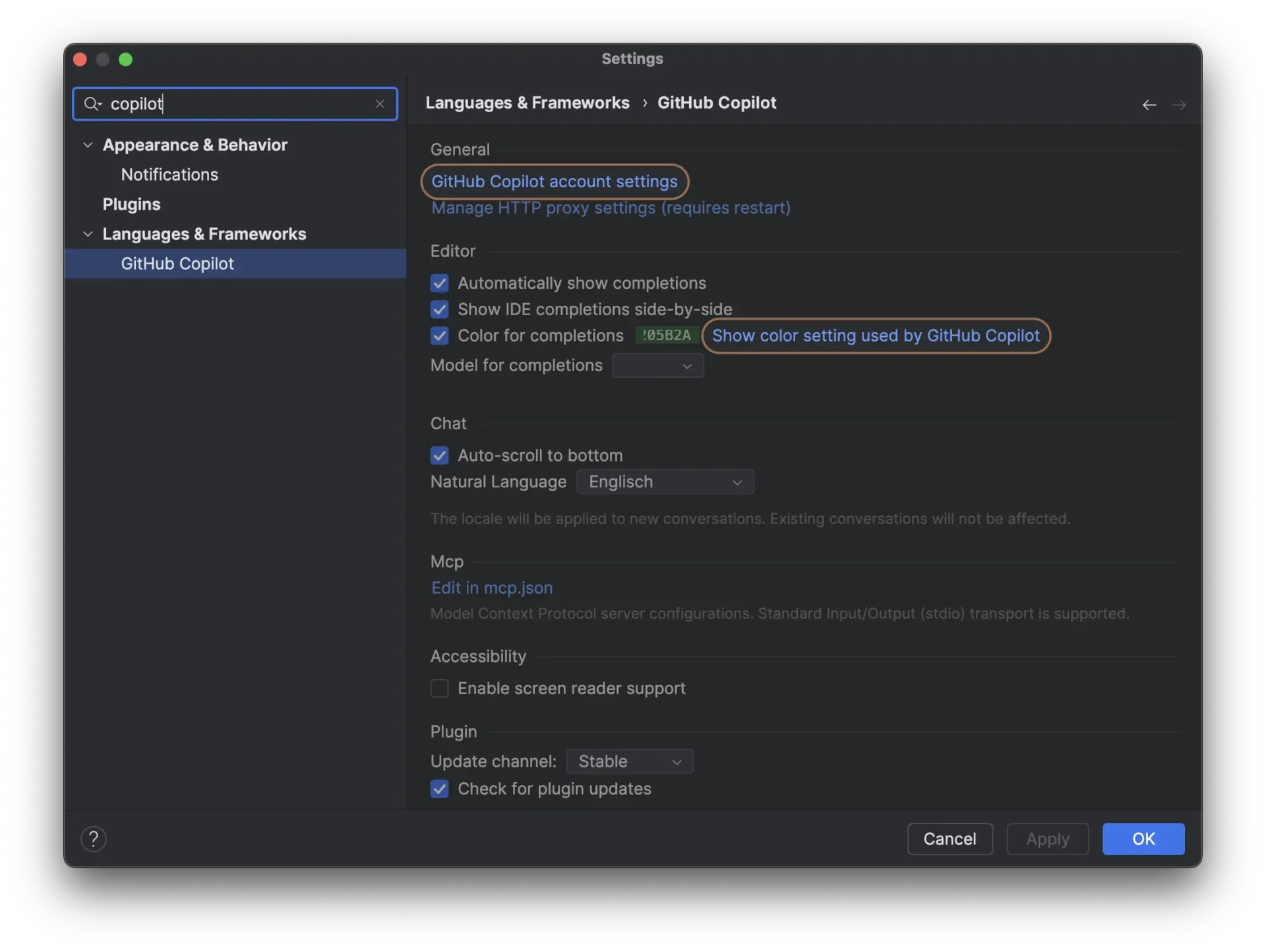
copilot into the search barAs hoped, it led me straight to Languages & Frameworks -> GitHub Copilot. On that page, all I scrolled down and found the culprit:
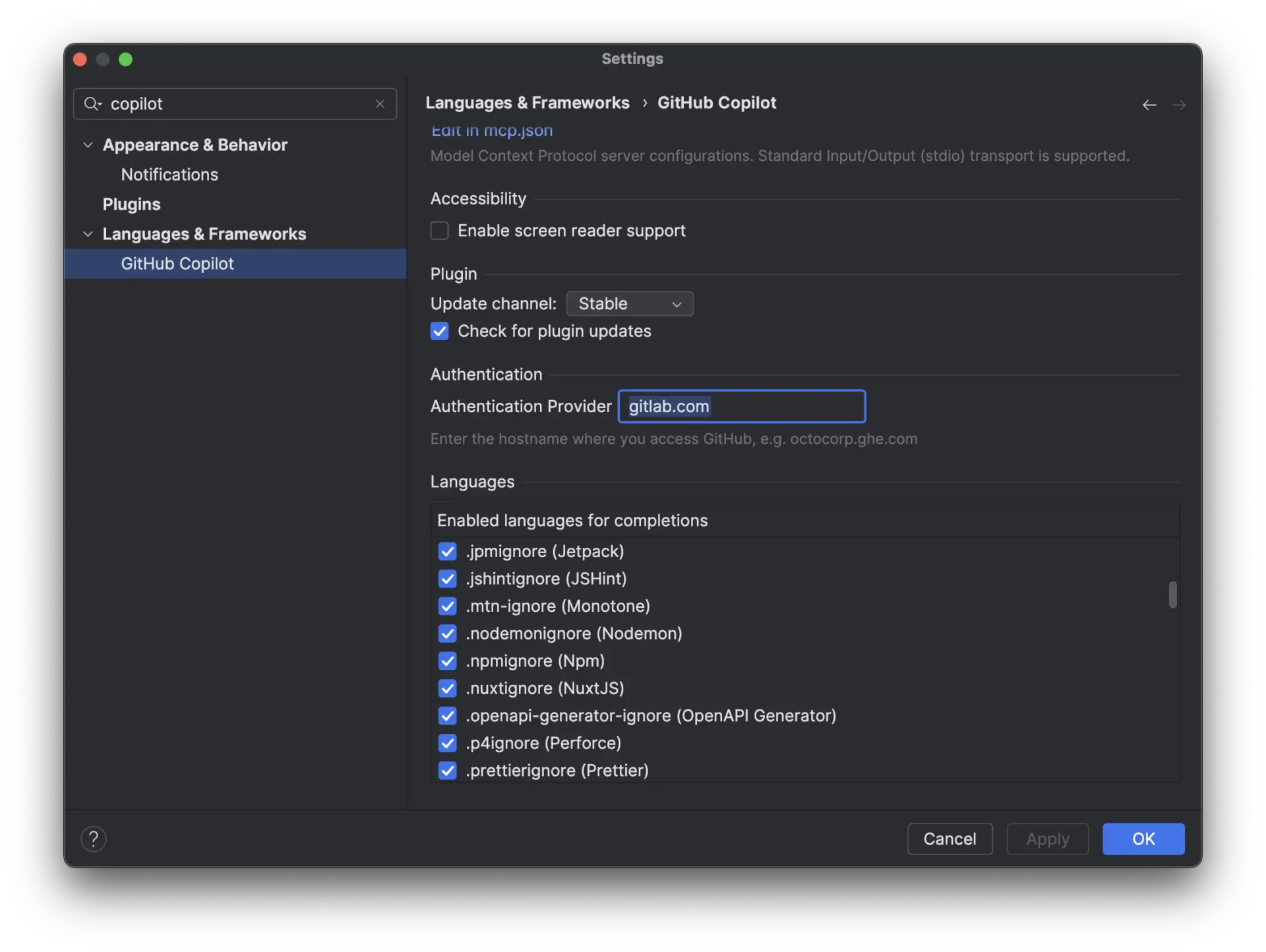
gitlab.com or whatever else is in that field to github.comAs you see, for some reason, I must have entered gitlab.com in the field for Authentication Provider. Don’t ask me why.
Anyway, changing this back to simply github.com, OKing the setting and restarting WebStorm fixed it right away.
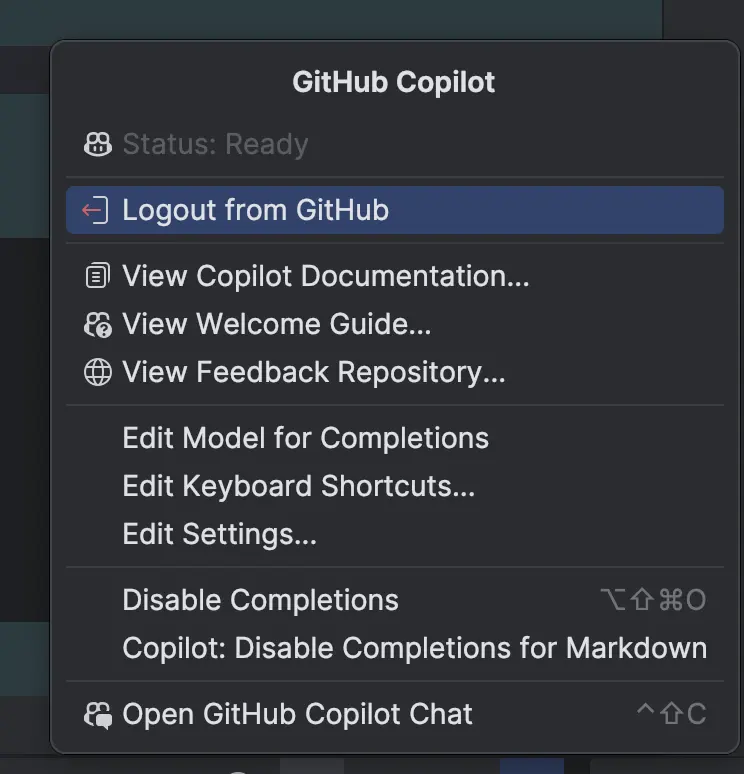
That’s all.